



Case File 005 — Interactive Game
Orbit Errands
A space-delivery game where players navigate hazardous environments, protect their cargo, and balance speed against survival.
01 — Overview
About the project
Orbit Errands began with a simple question: what would it feel like to work as a delivery courier in space?
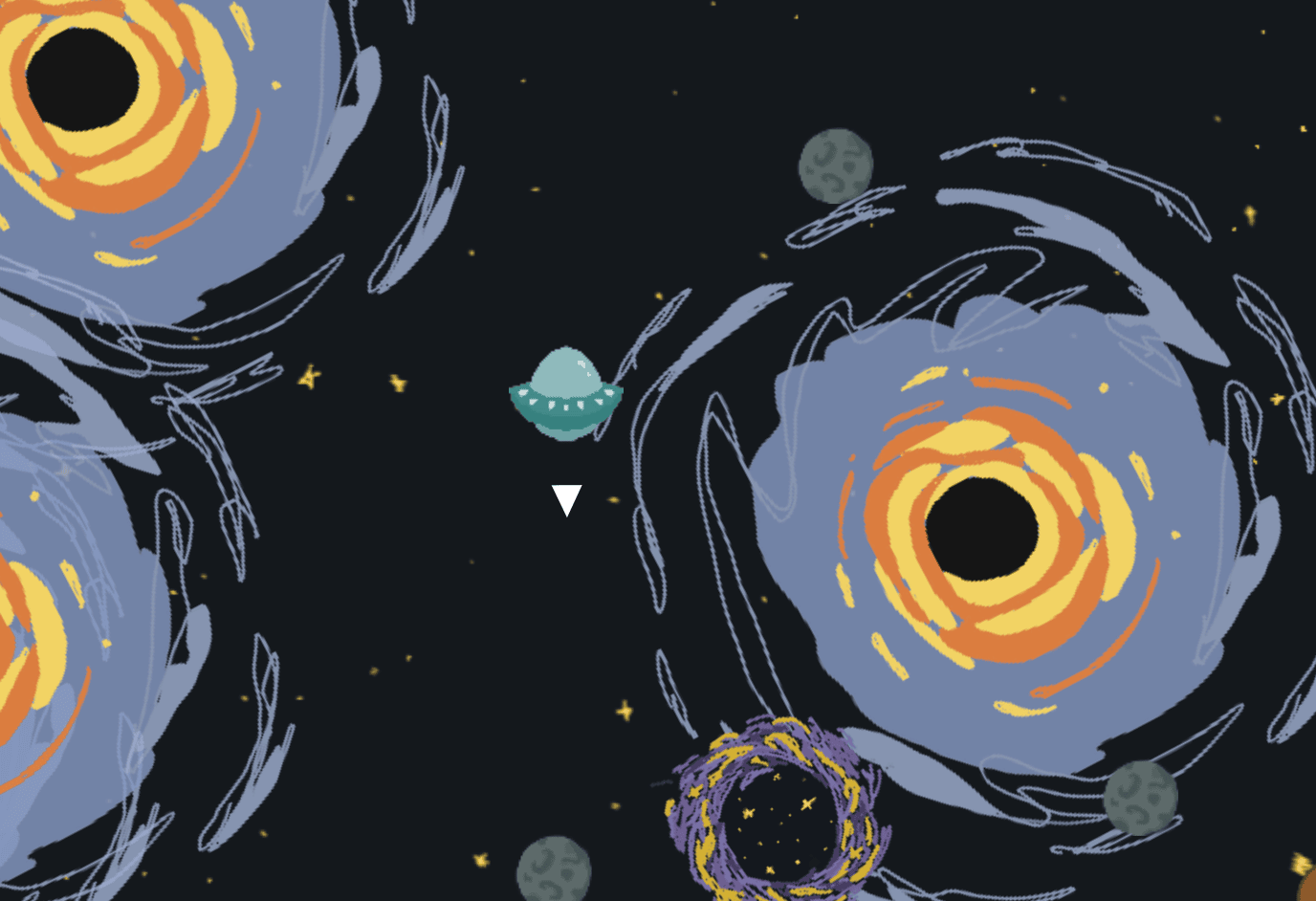
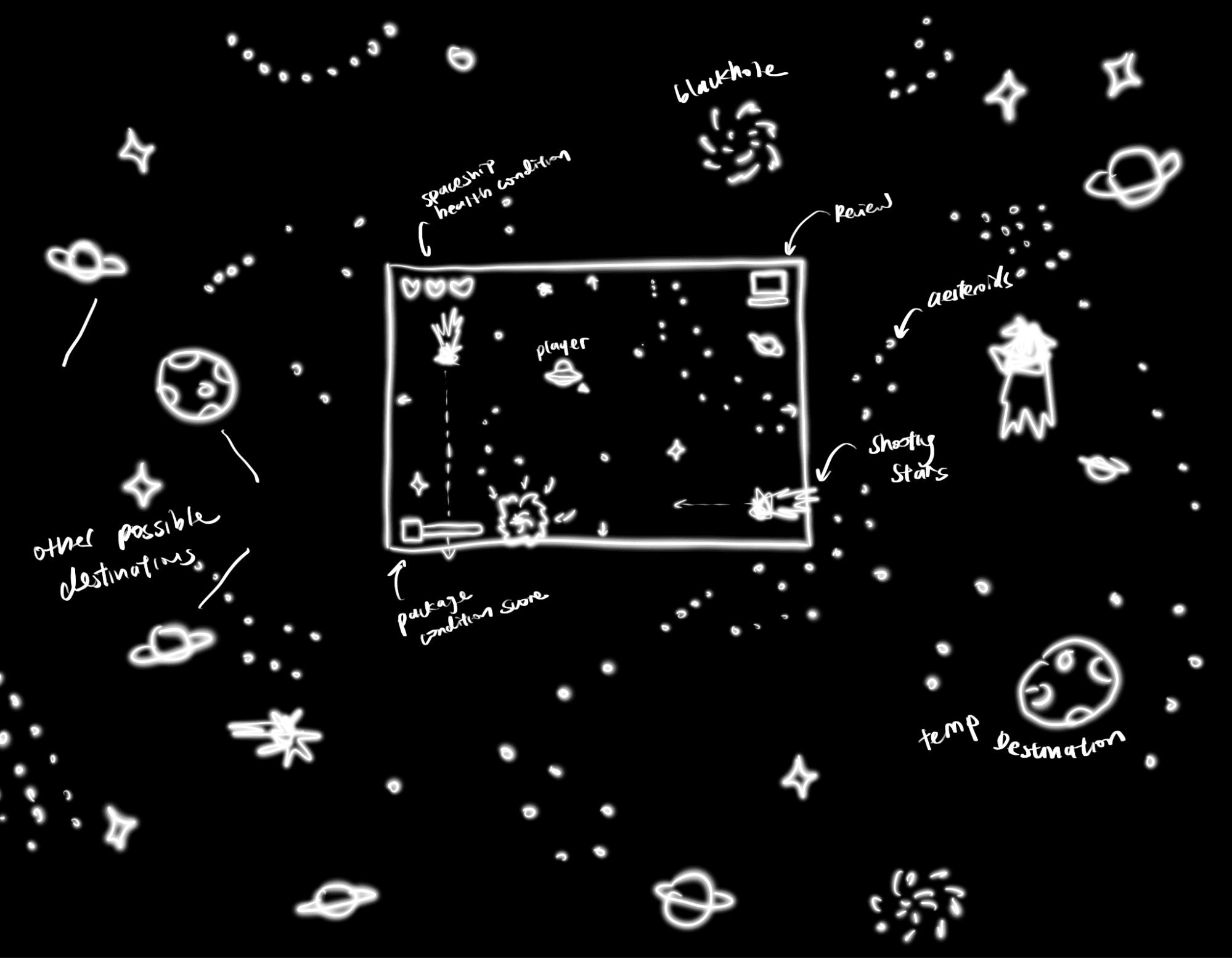
Players control a small ship carrying packages between planets and stations across a map much larger than the screen. Each delivery requires them to navigate toward a destination while avoiding black holes, teleportation portals, asteroids, and shooting stars.
The game combines movement, package management, and reputation. Players must decide whether to take a fast but dangerous route or travel more carefully while the delivery timer continues to run.
My role focused on:
- The game's visual and interface design
- Illustrations for the ship, map, obstacles, and destinations
- Ship movement and physics
- Obstacle behaviors and collisions
- Ship and package health systems
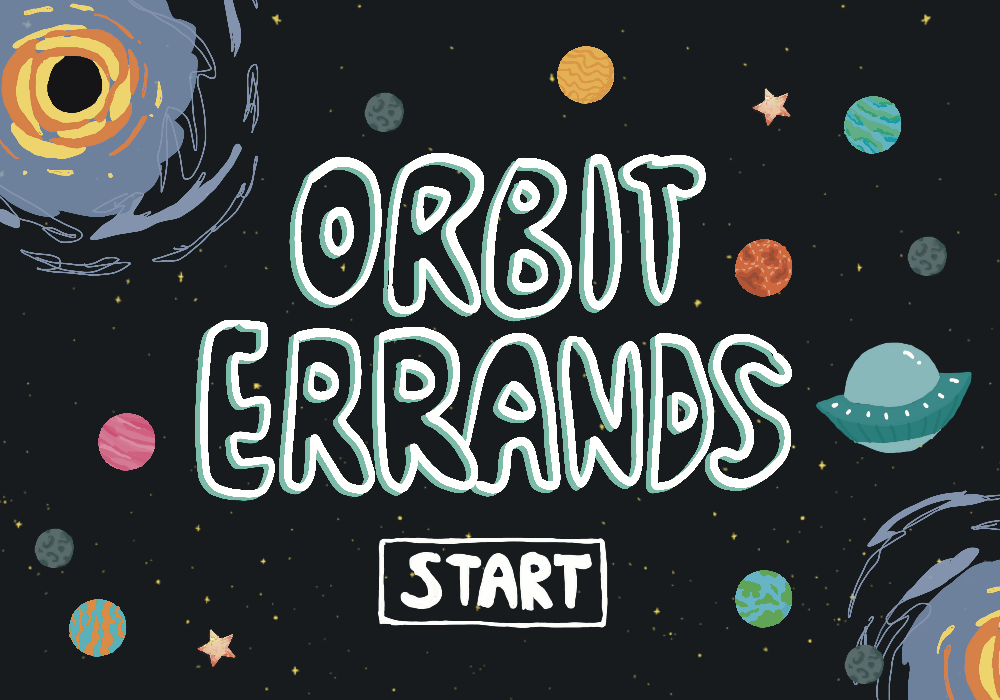
- Start, loading, instruction, and ending screens
My teammate developed the destination and delivery systems, package-generation logic, and customer reviews and ratings.
02 — Gameplay Loop
Designing the gameplay loop
The central gameplay loop combines navigation, risk, and delivery performance:
- Receive a fragile or non-fragile package.
- Follow the directional arrow toward a randomly positioned destination.
- Navigate around — or through — space hazards.
- Deliver the package before time runs out.
- Receive a customer review based on speed and package condition.
- Continue with a new destination and package.
The arrow points directly toward the destination, but it does not provide a safe route.
Players must read the surrounding environment and decide when following it is worth the risk. This created the main tension of the game: the quickest path may also lead directly through an asteroid belt or toward a black hole.
Different packages further change how the player approaches each trip. Fragile packages have less health and require more careful movement, while non-fragile packages can survive additional collisions.
03 — Movement & Physics
Creating movement that feels like space
The first technical challenge was making the ship feel as though it was floating through a large environment rather than moving around a fixed screen.
Using Matter.js, I created a ship body affected by a constant downward gravitational force. Players must repeatedly apply upward and directional forces to keep the ship moving. Instead of stopping immediately when a key is released, the ship continues drifting through momentum.
This made navigation deliberately less precise than a standard four-direction game. Players have to anticipate movement, correct their path, and avoid building too much speed before approaching a destination.
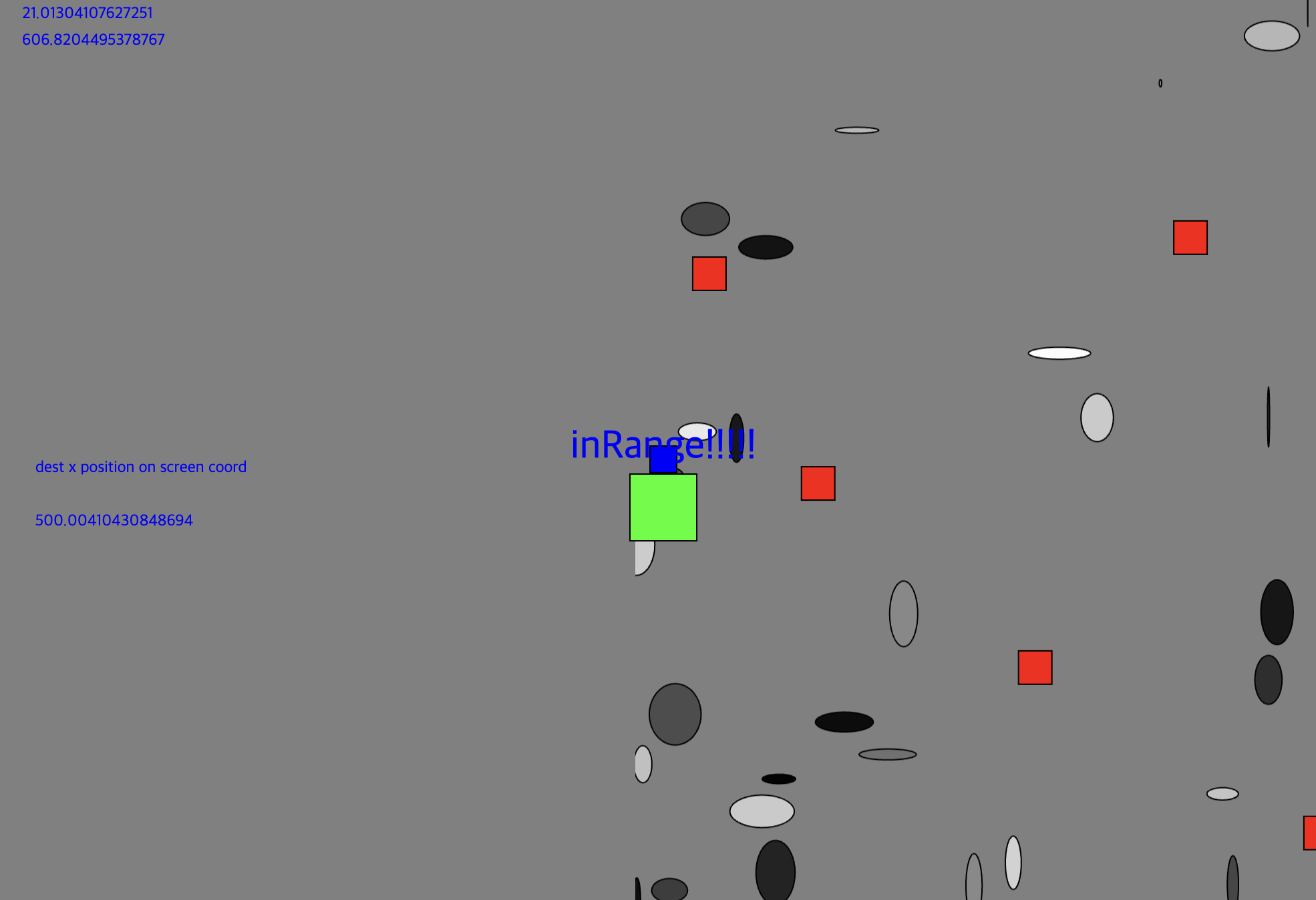
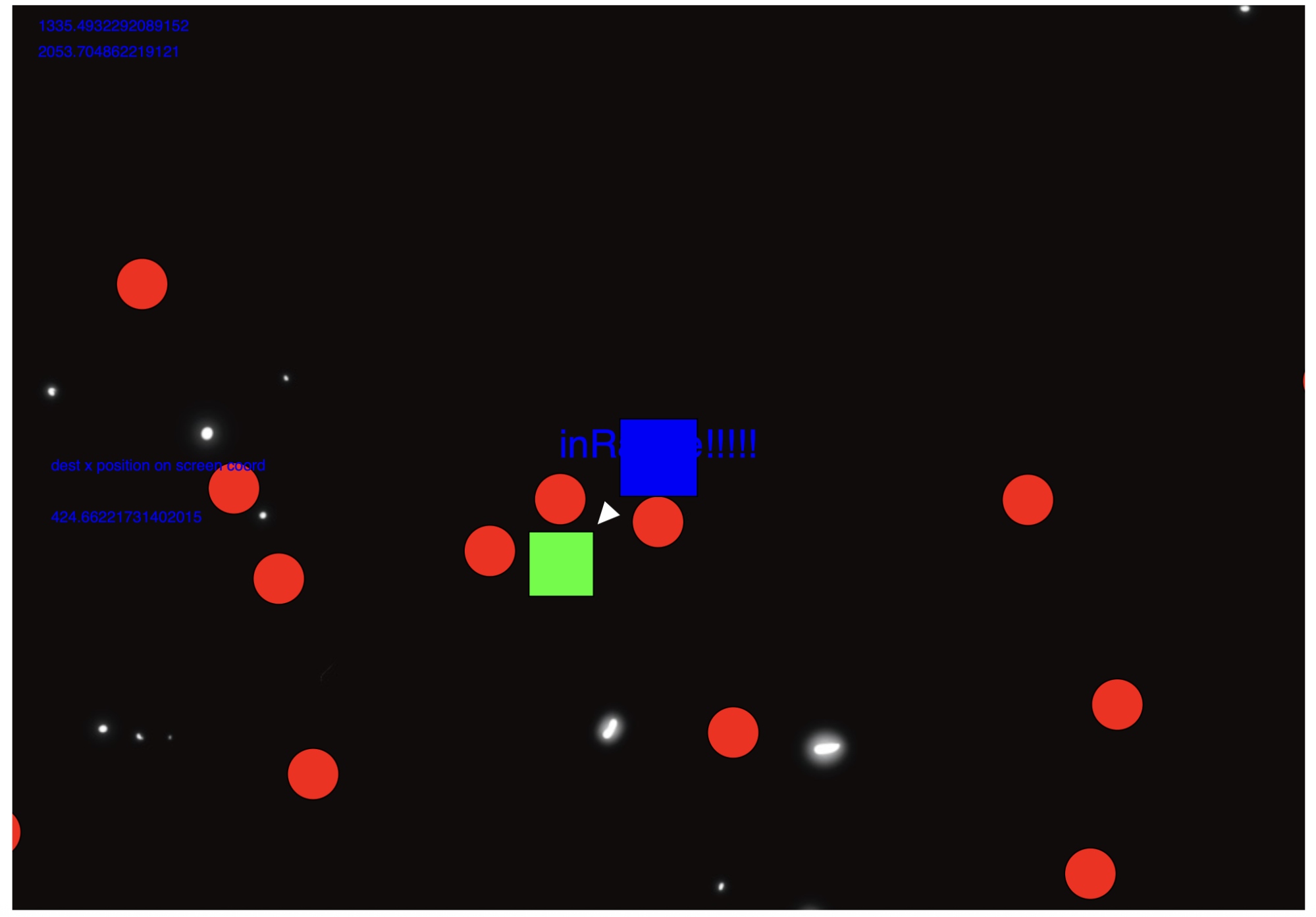
Our original camera concept included a free-movement zone in the center of the screen. The ship would move normally within that area, while reaching the edges would shift the map. Connecting this system to the physics world became unnecessarily complex, so we simplified the camera so the ship remained near the center while the environment moved around it — an offset calculated the ship's movement and determined where the map, destinations, and obstacles appeared on screen.
This approach made the world feel larger than the viewport while keeping the relationship between the camera and physics objects manageable.
04 — Hazards
Building a hazardous space environment
I designed and implemented four primary obstacle types, each creating a different kind of risk. The obstacles are generated in different positions for each game, making every delivery route unpredictable.
Asteroids
Scattered randomly throughout the map — they damage the ship on collision, and nothing else.
Shooting stars
Move quickly, spin as they travel, and break apart on impact — damaging both ship and package.
Black holes
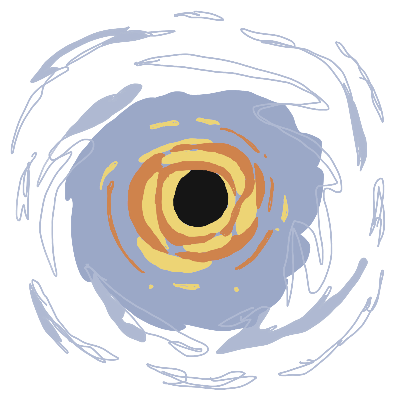
Pull the ship toward their center, causing damage to both ship and package the closer you're pulled in.
Teleportation holes
Pull the ship in and relocate it to a random part of the map — sometimes helpful, sometimes not.
Not every environmental element needed to be a full physics body. Asteroids depended heavily on Matter.js collisions, while some moving obstacles were handled as animated images that checked their distance from the ship. This became an important technical lesson: using a physics engine for every visual element created unnecessary complexity, and in some cases simpler distance checks produced the same experience while making movement and collision behavior easier to control.
I also used sound to make the obstacles feel more physical — when the player enters a black hole, the background music decreases and becomes distorted, creating the sensation that the ship has been pulled beneath the surface of the environment.
05 — Health Systems
Designing health as visible feedback
I developed separate health systems for the ship and the package so collisions would have consequences beyond briefly interrupting movement.
Ship health. The ship's health is represented through four illustrated hearts, each holding several health points so the display can show partial damage rather than removing an entire heart after every collision. Asteroids cause minor damage, shooting stars cause moderate damage, and black holes cause the most. Players can occasionally find a repair station — but stopping to use it costs delivery time and lowers the next customer rating.


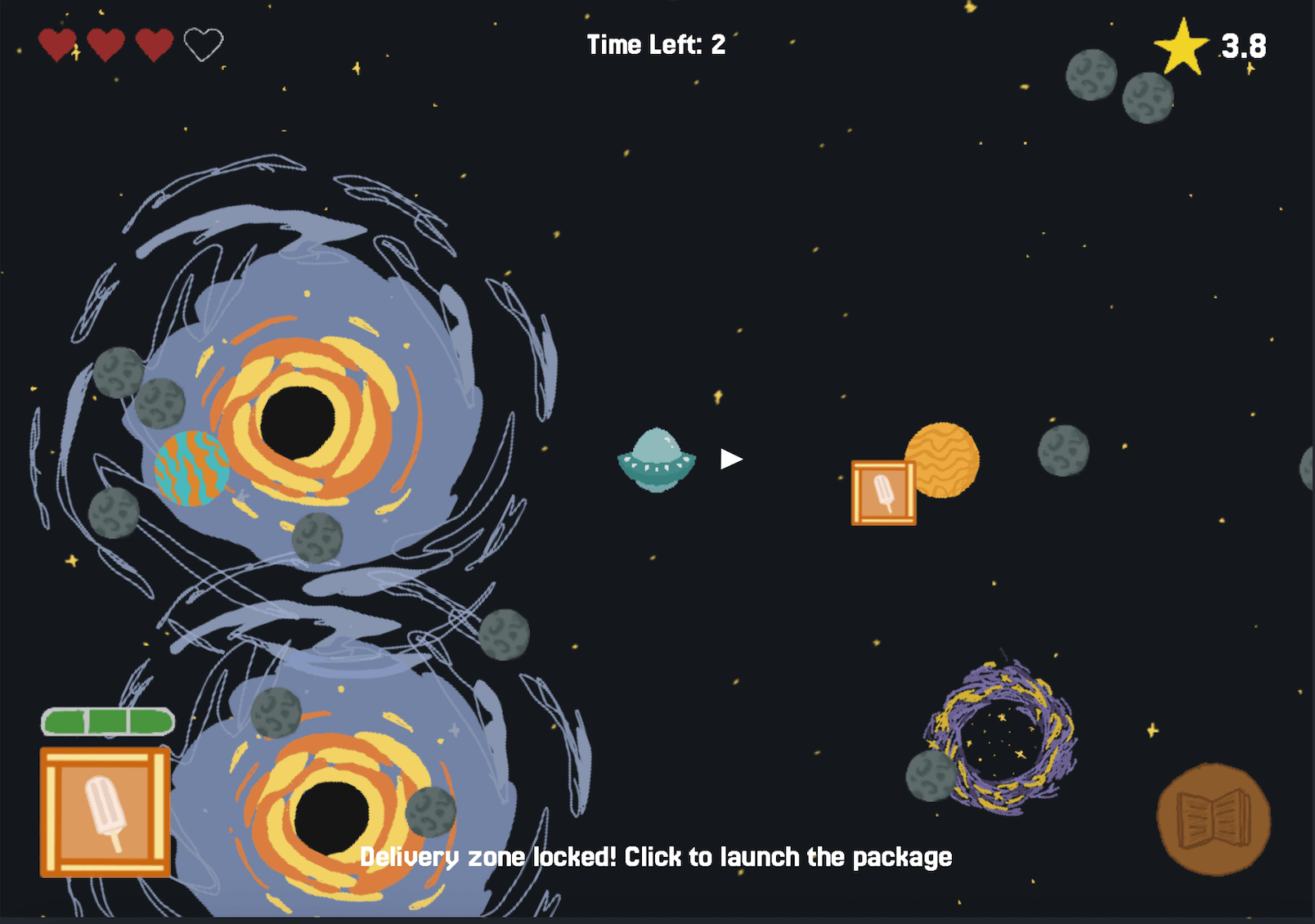
Package health. Packages are either fragile or non-fragile and begin with different health values. Their condition is displayed through a bar that shifts from green to yellow to red as damage increases, giving players immediate feedback about whether a route is still worth taking.



Together, the two health systems create competing priorities. Players are not only trying to reach the destination; they are protecting both the vehicle that allows the game to continue and the package that determines the quality of the current delivery.
06 — Visual Identity
Building the interface and visual identity
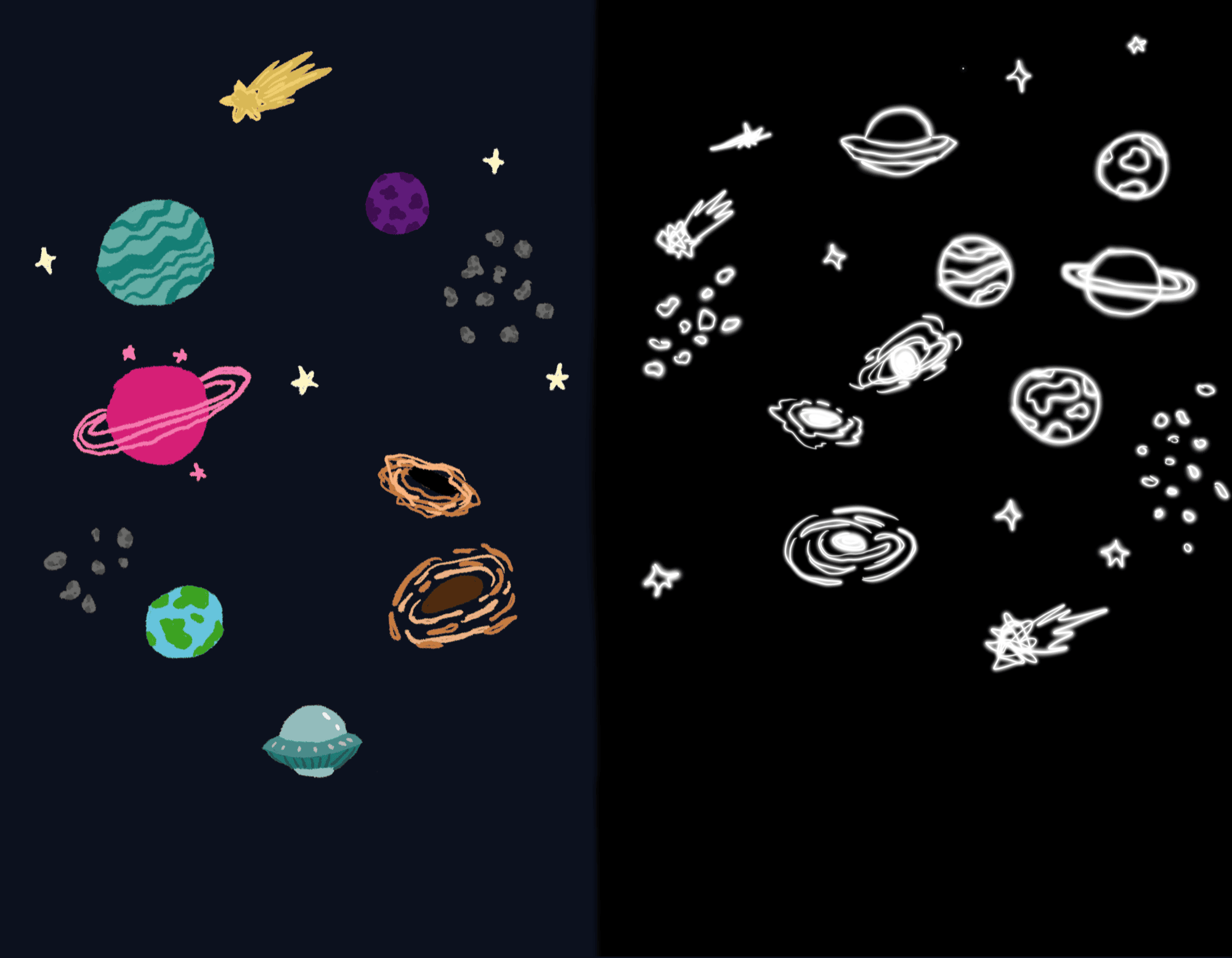
I created the illustrations and interface elements to give Orbit Errands a playful, hand-drawn science-fiction style — the spaceship design, planet and station destinations, environmental hazards, health hearts and condition bars, directional indicators, and every start, loading, and ending screen.
Because the game includes several overlapping systems, the interface needed to communicate a large amount of information without covering the play area. Ship health, package health, delivery direction, time, and rating are kept near the edges of the screen, while the center stays focused on navigation and environmental hazards. A triangular indicator near the ship continuously rotates toward the destination — the map extends beyond the viewport, so it provides orientation without revealing the entire environment.
Every sprite below was drawn small on purpose — sized for a canvas that's constantly scrolling and redrawing itself — so here they are at close to their real in-game size, the same little cast of characters players actually meet in orbit.
Ship


 DestinationsAsteroidShooting starBlack hole
 Teleport hole
07 — Onboarding
Making the game easier to learn
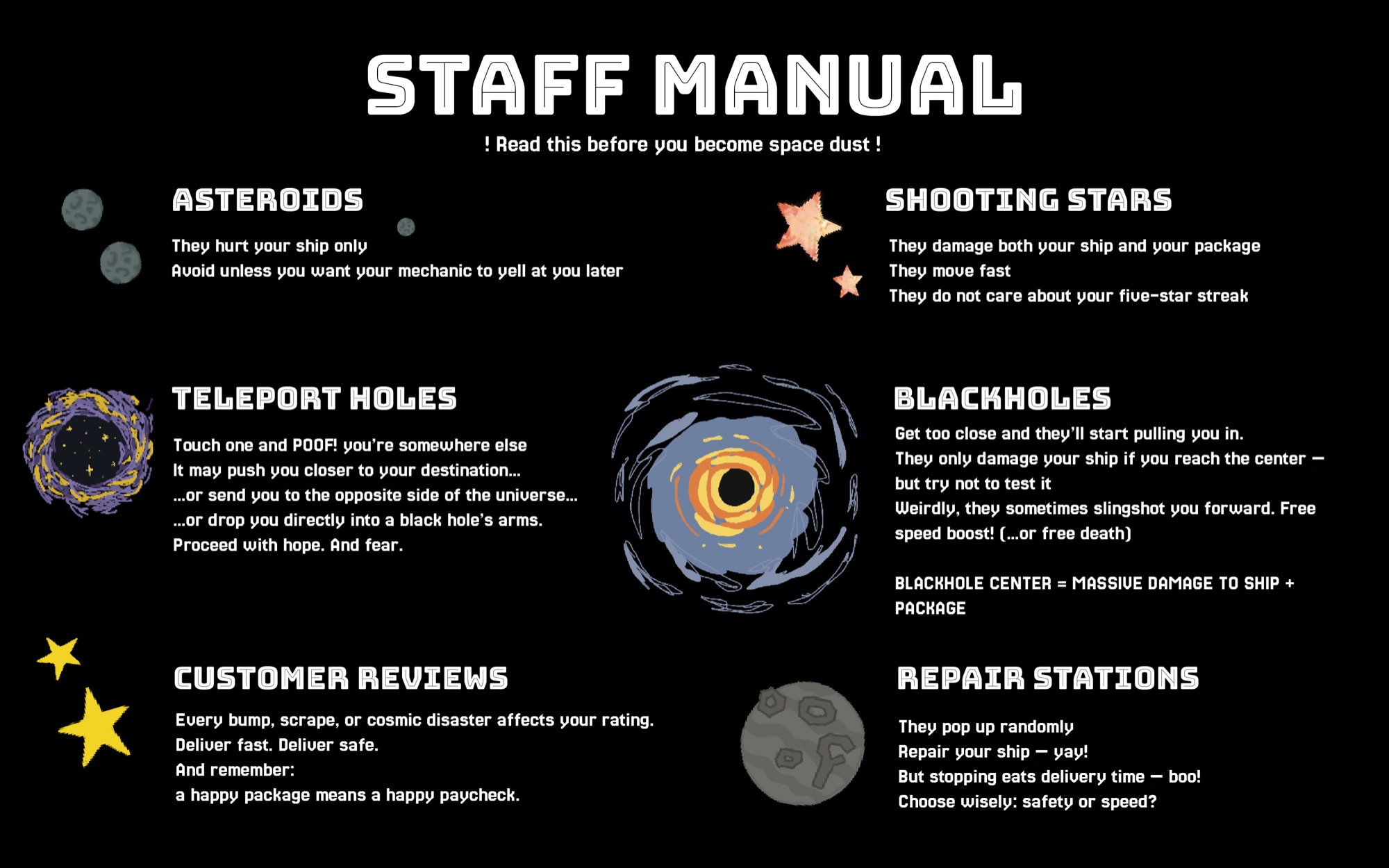
A previous game project taught us that players often begin interacting before they fully read the instructions. For Orbit Errands, we wanted important information to remain available after the game started — the page includes persistent control instructions below the canvas, while an in-game manual can be opened at any point to explain how each obstacle affects the ship or package.
This allowed players to answer questions as they occurred:
- What does a teleportation hole do?
- Does hitting an asteroid damage the package?
- Why is the ship still moving after I release the key?
- How do I deliver the package?
The start screen introduces the game's premise, but the manual avoids forcing players through a long tutorial before they can begin. The project reinforced that instructions are most useful when they are available at the moment of confusion, rather than assuming players will remember everything from the opening screen.
08 — Ratings & Endings
Ratings, endings, and player consequences
My teammate developed a customer-review system that evaluates each delivery according to package condition and delivery time. After a package reaches its destination, a review appears in the corner of the screen with a written comment and star rating, pulled from JSON presets, contributing to the player's overall average.
This connects individual navigation decisions to a larger career progression — repeatedly damaging packages or arriving late can eventually get the player fired, even if the ship remains functional. The game has three primary endings:
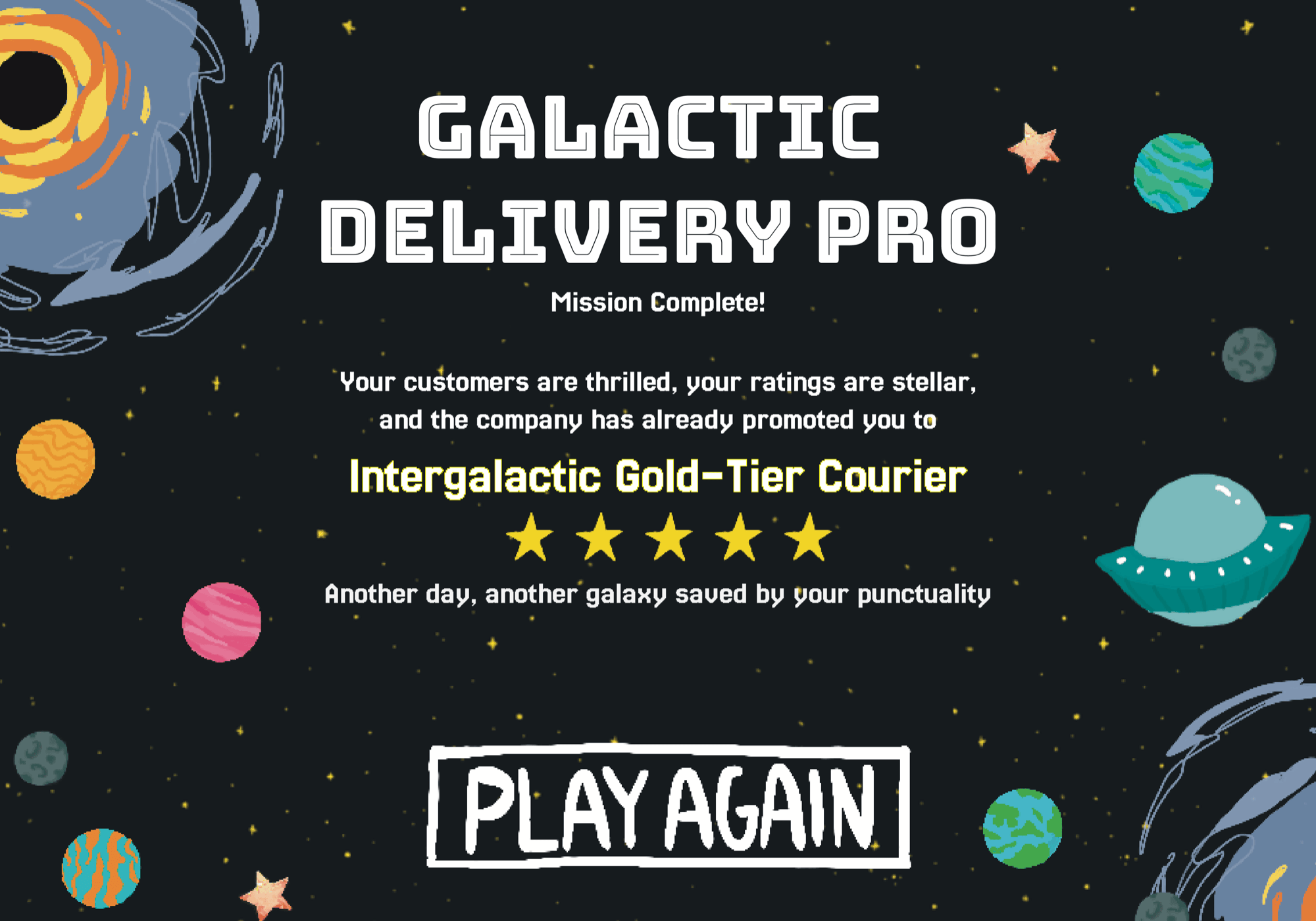
- Promotion — complete more than twelve deliveries with an average rating above four stars.
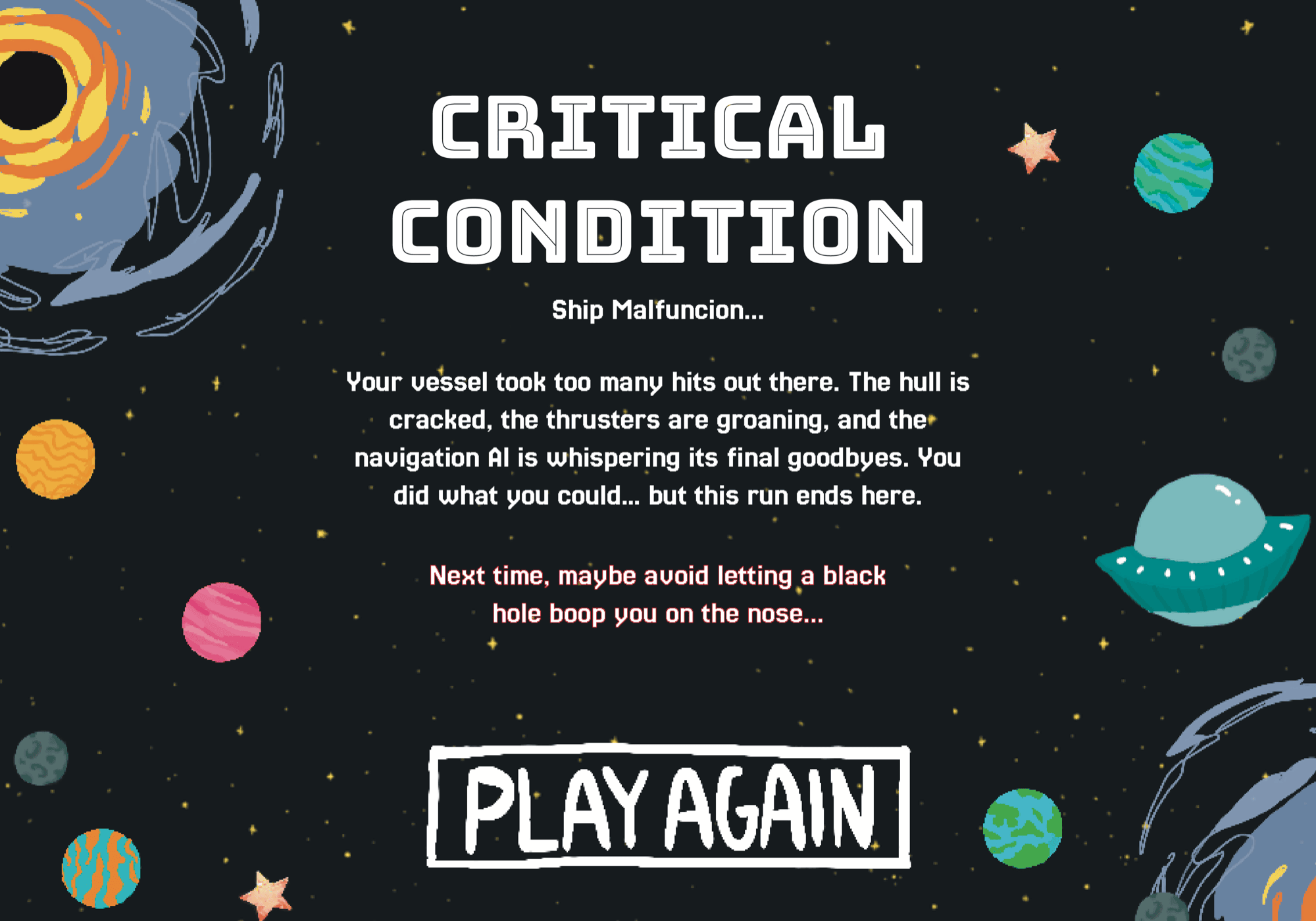
- Ship destroyed — lose all ship health.
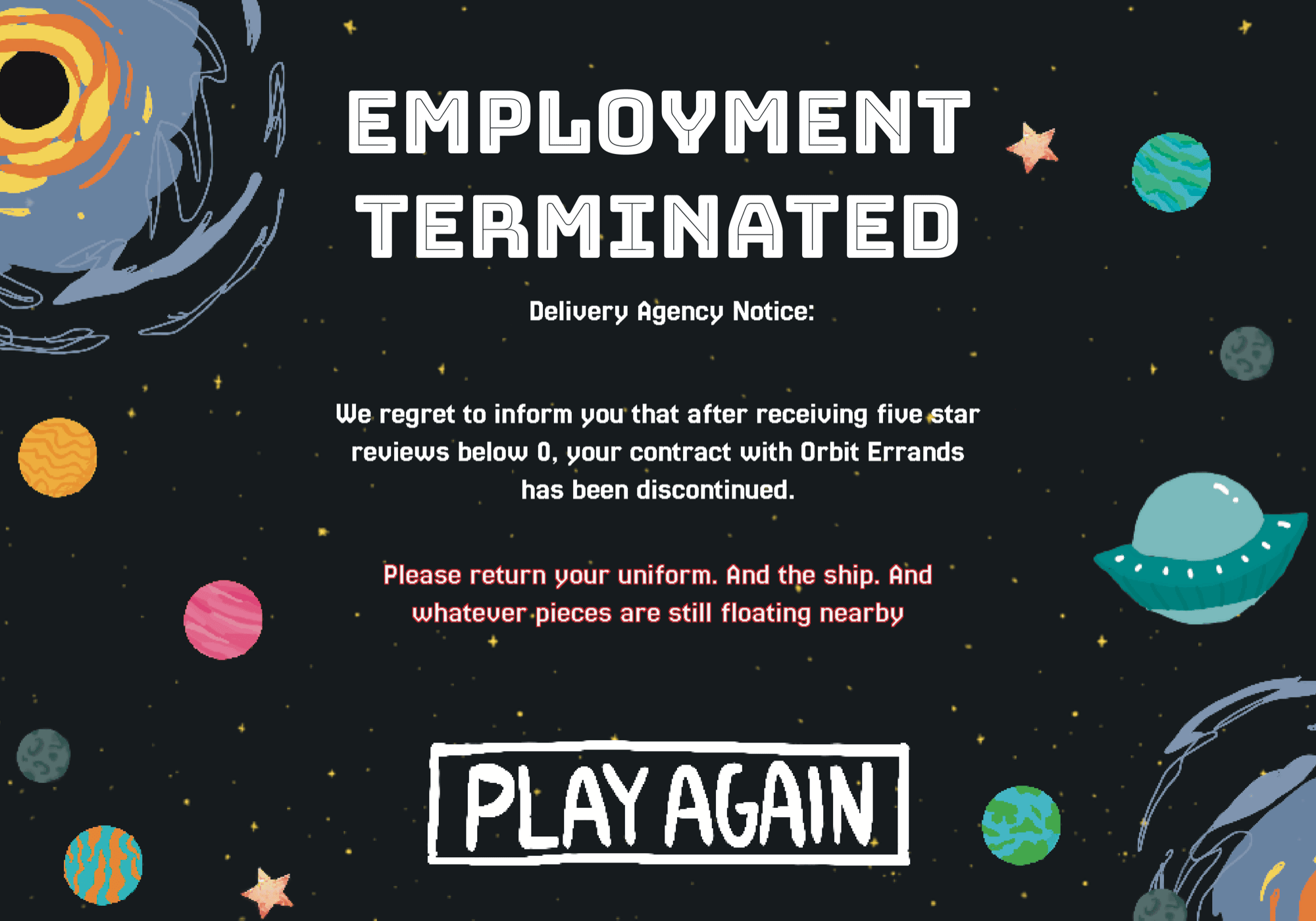
- Fired — complete too many failed deliveries or let the average rating fall below the required threshold.
These endings give both survival and customer satisfaction meaningful consequences. A player cannot succeed only by keeping the ship intact or only by reaching destinations quickly — they must manage the relationship between time, damage, and reputation.
Scroll to see all three →
09 — Reflection
Reflecting on the system
The most challenging part of Orbit Errands was making several connected systems feel like one coherent experience. Movement physics affected collision. Collision affected ship and package health. Package condition and delivery time affected reviews. Reviews affected the ending. UI feedback had to make all of these relationships understandable while the player was still navigating the environment.
Separating development into two broad areas helped us manage the complexity — I focused primarily on the ship and space environment, while my teammate focused on destinations, packages, and customer responses, sharing frequent updates so both sides continued to work together as the game grew.
The project taught me to simplify technical systems when complexity was not improving the player experience. Fixing the ship near the center, replacing some physics bodies with image-based collision checks, and separating visual objects from their underlying data all made the project more manageable without reducing the sense of movement or danger.
Given more time, I would expand the package system with cargo that reacts to the environment — a frozen delivery could begin melting near a hot planet, while a visibly damaged package could change appearance as its health decreases. I would also refine the onboarding through short interactive prompts and conduct more user testing around movement, health feedback, and the balance between challenge and frustration.
Orbit Errands ultimately turns a familiar task — delivering a package — into a system of physical and strategic decisions. Every route asks the player to choose between efficiency and caution, while the game's physics ensure that even a simple trip across space can quickly become unpredictable.