






Case File 007 — Interactive Game
Chef's Plaza
A cozy food-assembly game where players inherit their grandmother's dessert shop, prepare customer orders, and build the business one day at a time.
01 — Overview
About the project
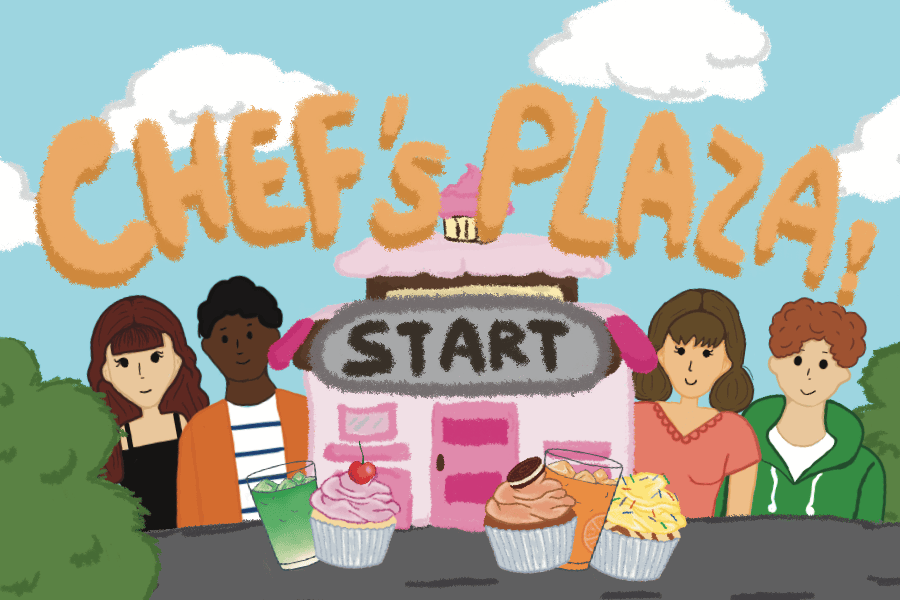
Chef's Plaza is a food-assembly game inspired by Good Pizza, Great Pizza. Players inherit a small dessert shop from their grandmother and serve a continuous stream of customers by assembling cupcakes and drinks.
The project began as a larger idea involving several food shops and owners. Because of the limited development timeline, our five-person team narrowed the scope to one fully functioning dessert shop.
My role focused on:
- Visual and interface design
- Start, story, shop, and ending screens
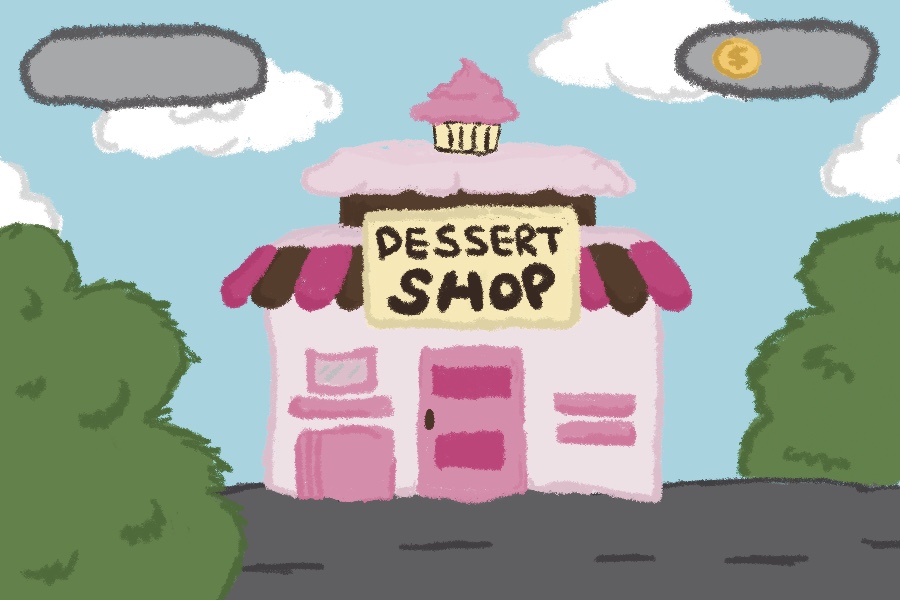
- Illustrations for the store interior and exterior
- Integrating artwork into the game
- Patience-bar design and development
- Progression and local-storage logic
02 — Player Journey
Designing the player journey
The experience begins with a small narrative moment rather than placing the player directly into the shop.
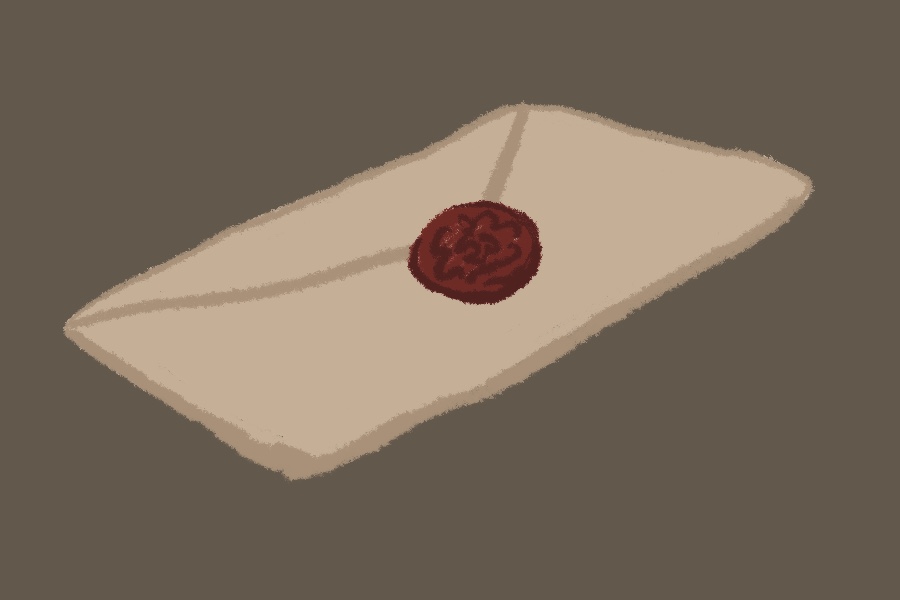
On a player's first visit, they receive a mysterious letter from their grandmother explaining that they will inherit her dessert store. The letter introduces the setting and gives the game a warmer emotional starting point.
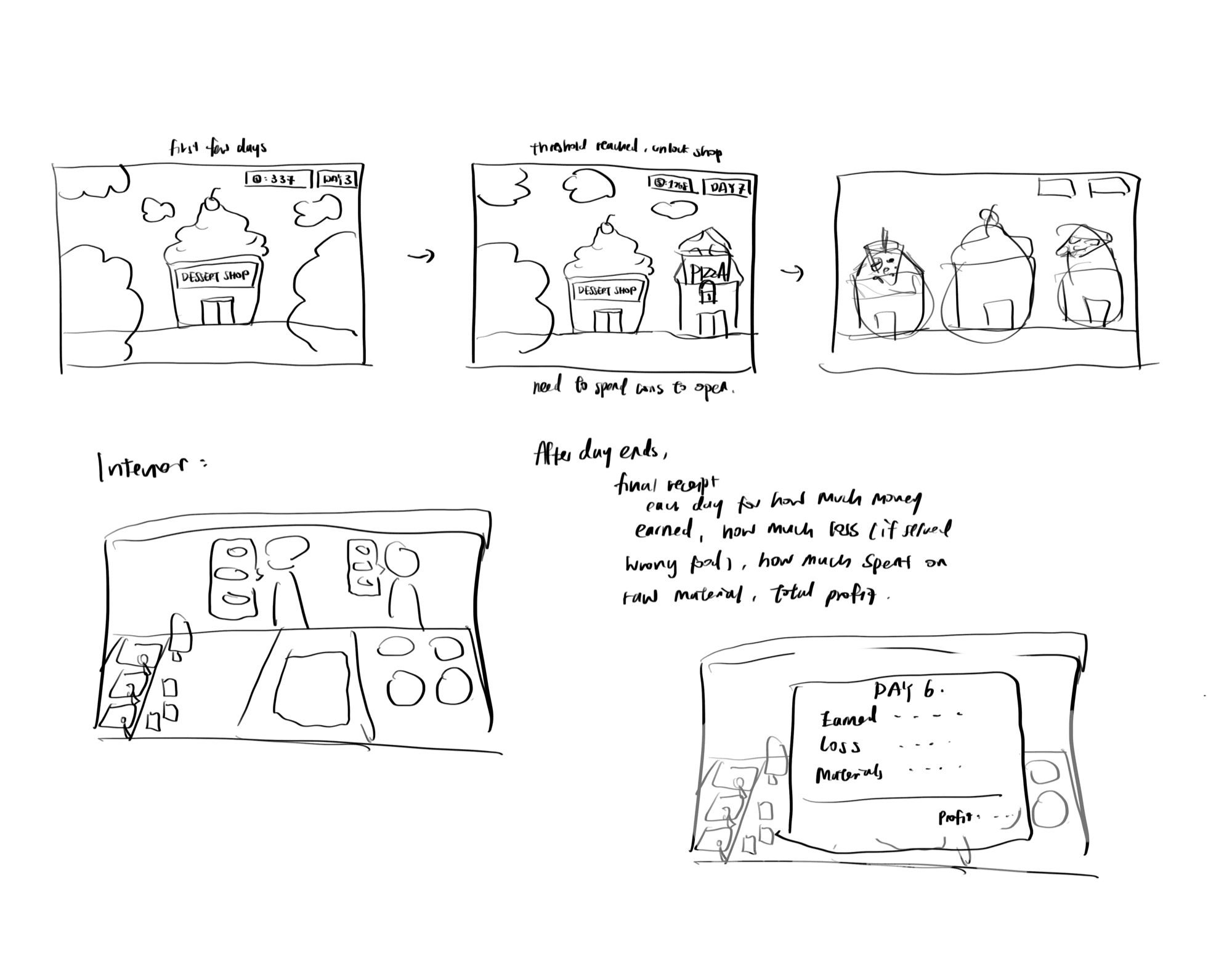
I designed and developed the progression between the main interface states:
- Start screen
- Grandma's letter
- Store exterior
- Store interior and gameplay
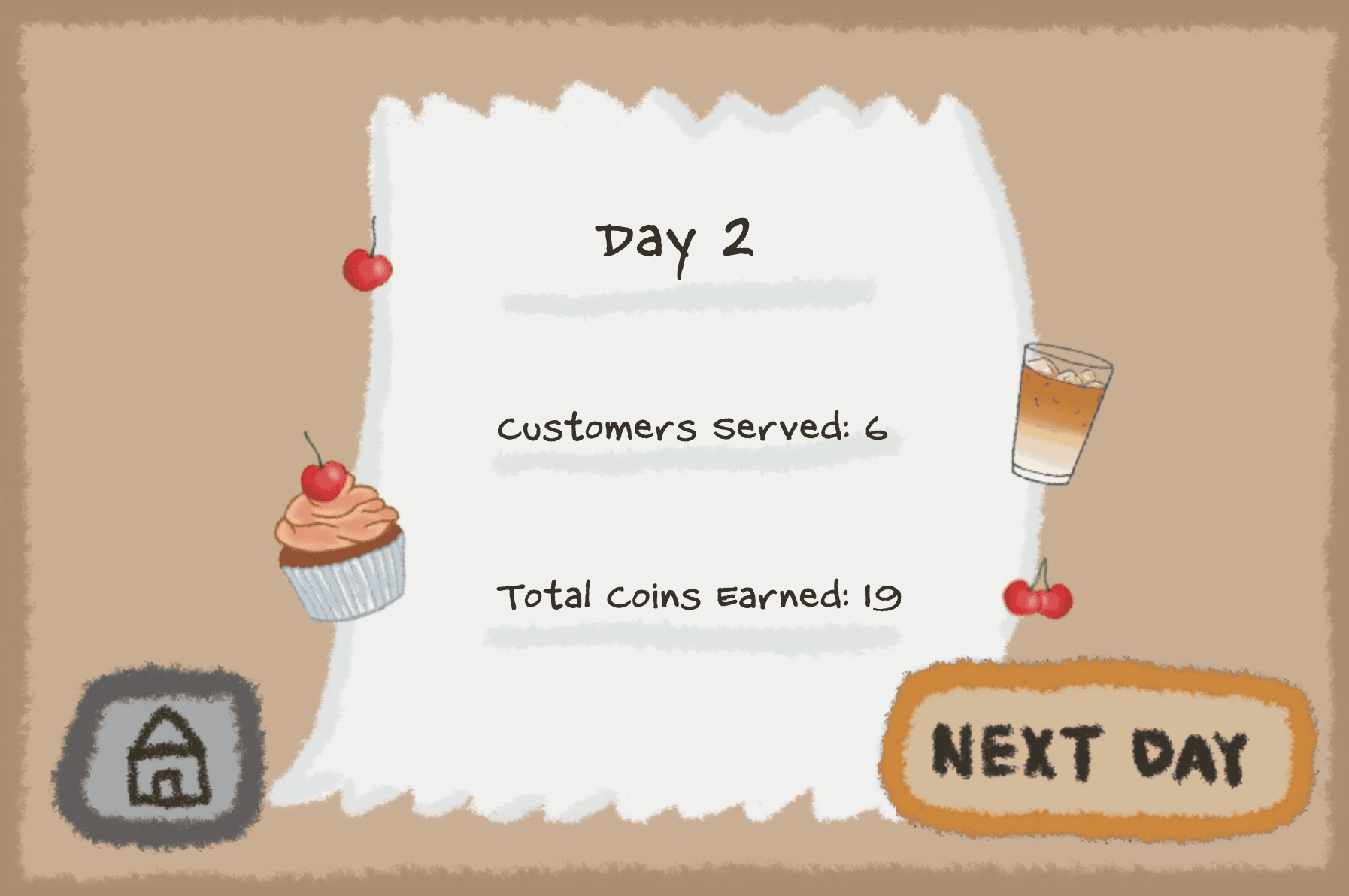
- End-of-day report
Local storage records the current day — returning players can skip the letter and walk straight into the shop.
First-time players experience the full opening sequence, from sealed letter to storefront, while returning players are trusted to already know the way in.
03 — Shop Interface
Building the shop interface
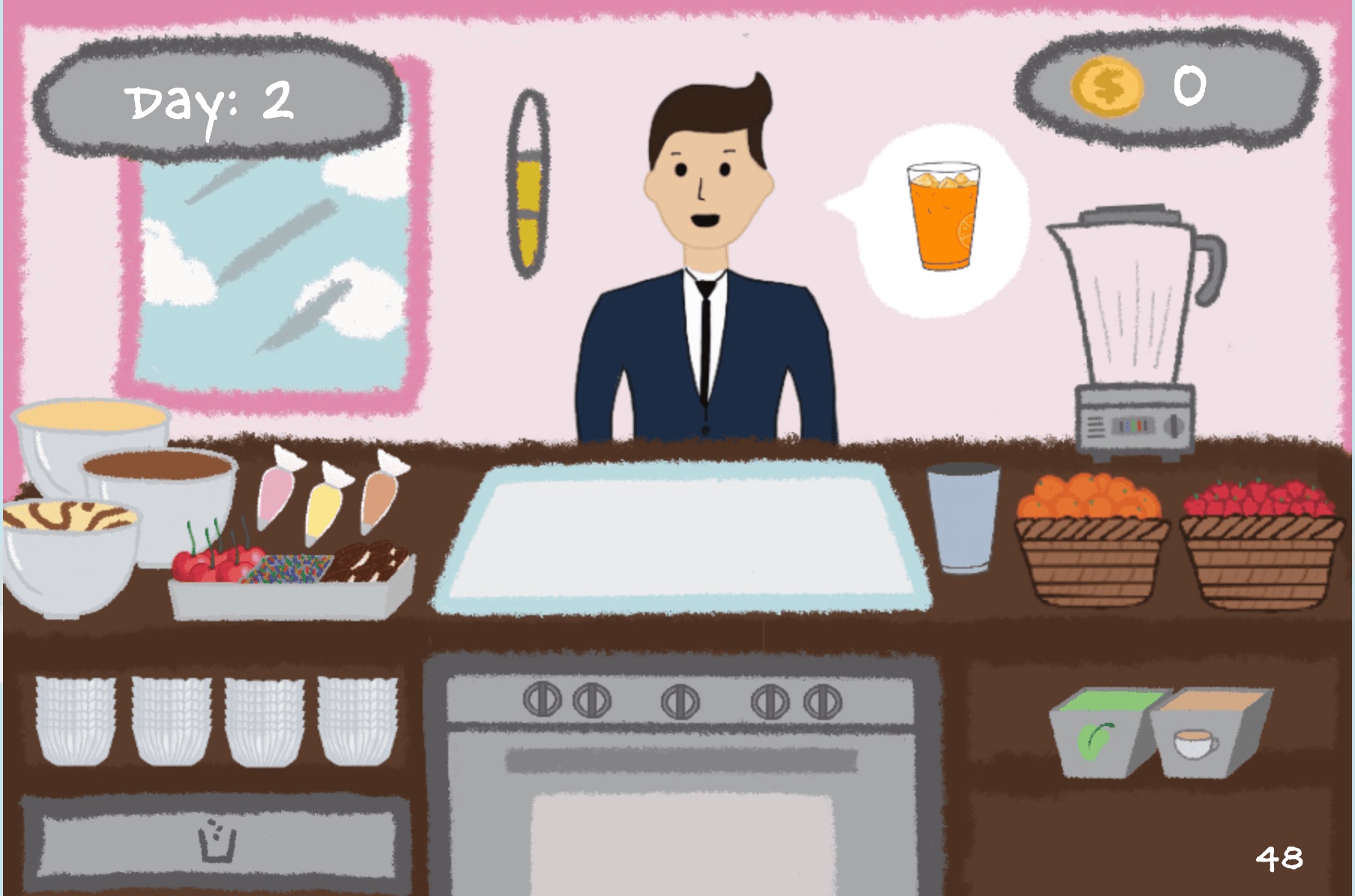
I created the visual direction for the dessert shop, including the start screen, letter, exterior, interior, and interface elements.
The goal was to make the game feel warm, playful, and approachable. The illustrated setting helped distinguish the experience from a purely functional drag-and-drop prototype and supported the story of inheriting a family-run shop.
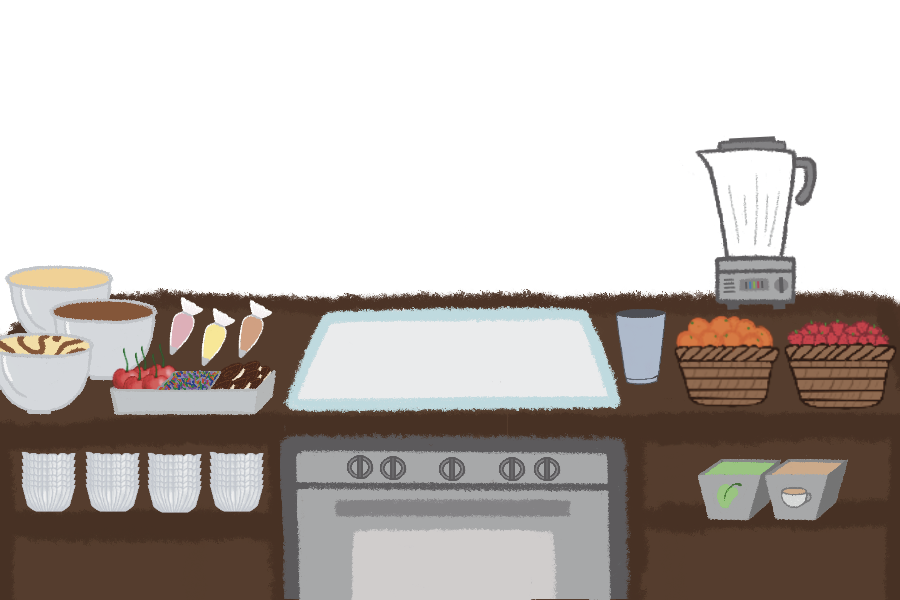
During gameplay, the interface needed to display several systems at once:
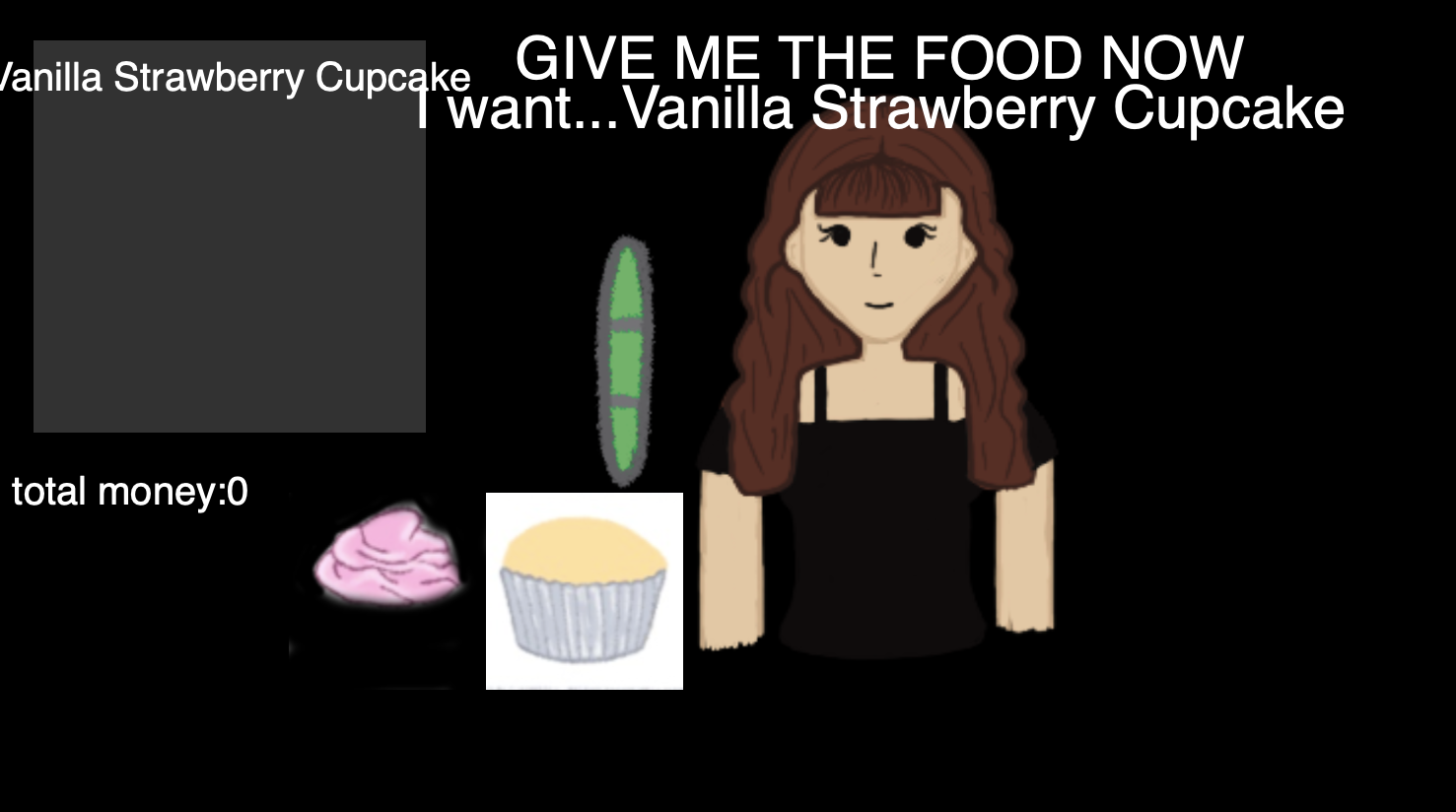
- Customer orders
- Available ingredients
- Assembly and serving zones
- Customer patience
- Coins earned
- The current day and timer
I worked on integrating the artwork into the code and making sure these elements remained understandable without overwhelming the central preparation area.
 Customer

 Cupcakes


 DrinksToppings
 Blender
04 — Assembling & Serving
Assembling and serving orders
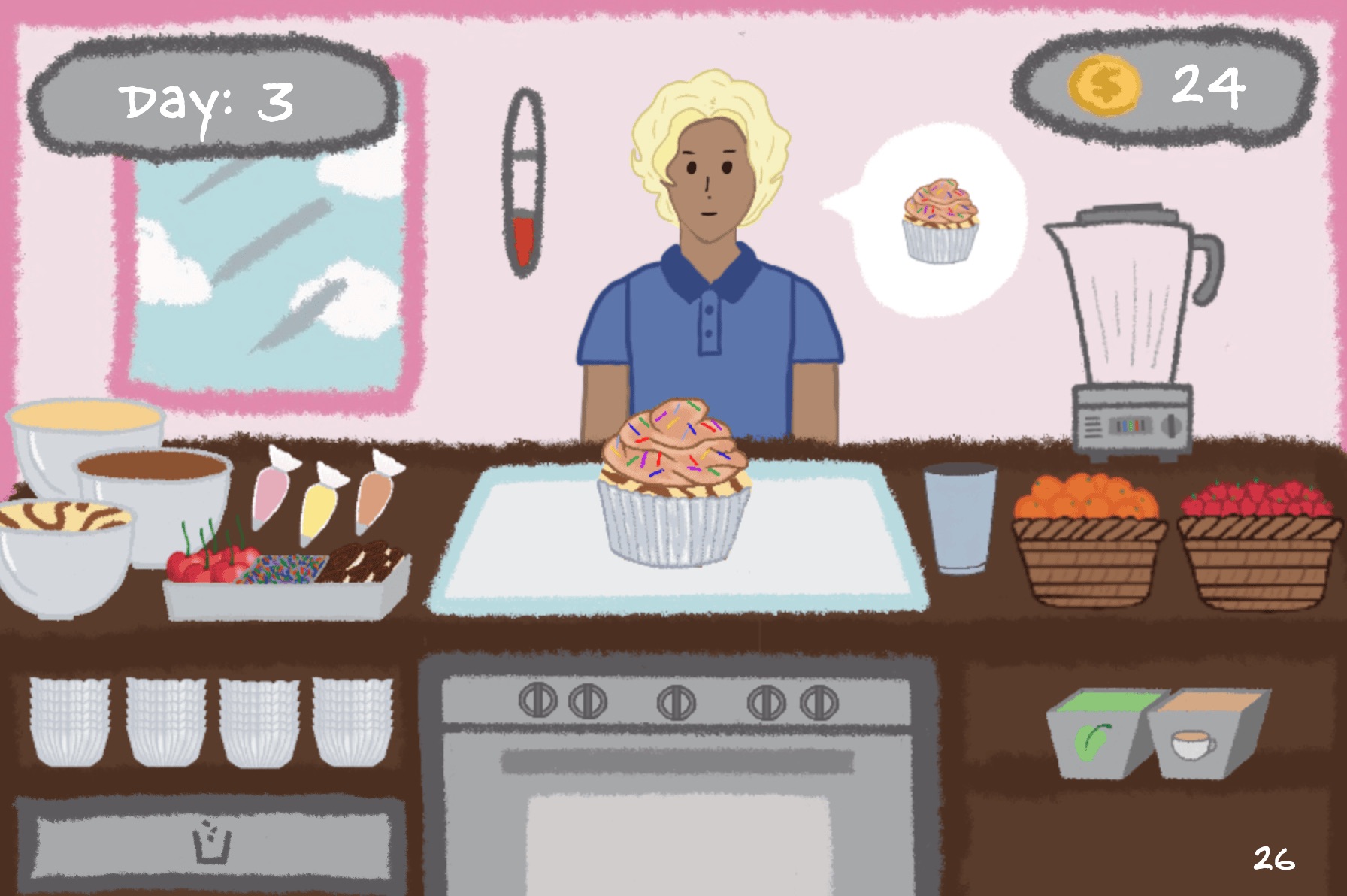
The central interaction asks players to drag ingredients into an assembly zone in the correct order.
Base
Vanilla, chocolate, or marble — the foundation every cupcake starts with.
Frosting
Piped on top of the base — can't be dragged into place until a base is already sitting in the zone.
Topping
Cherries, sprinkles, or Oreo crumbles — the final layer, dependent on the frosting beneath it.
Drinks
Coffee, matcha, orange, or smoothie — a simpler one-ingredient pour, no stacking required.
Each layer depends on the one beneath it, preventing frosting or toppings from floating independently. Once assembled, the player drags the completed item to the customer's order bubble, and the game provides immediate feedback:



A correct order turns the bubble green and plays a clear sound; an incorrect order turns it red and plays an error sound. Coins are awarded based on accuracy and speed.
Underneath the interface, dragged ingredients are stored as individual items but move visually as one assembled object. When the order is submitted, the system separates the item names and compares them with the customer's requested recipe.
05 — Patience & Difficulty
Creating pressure through patience
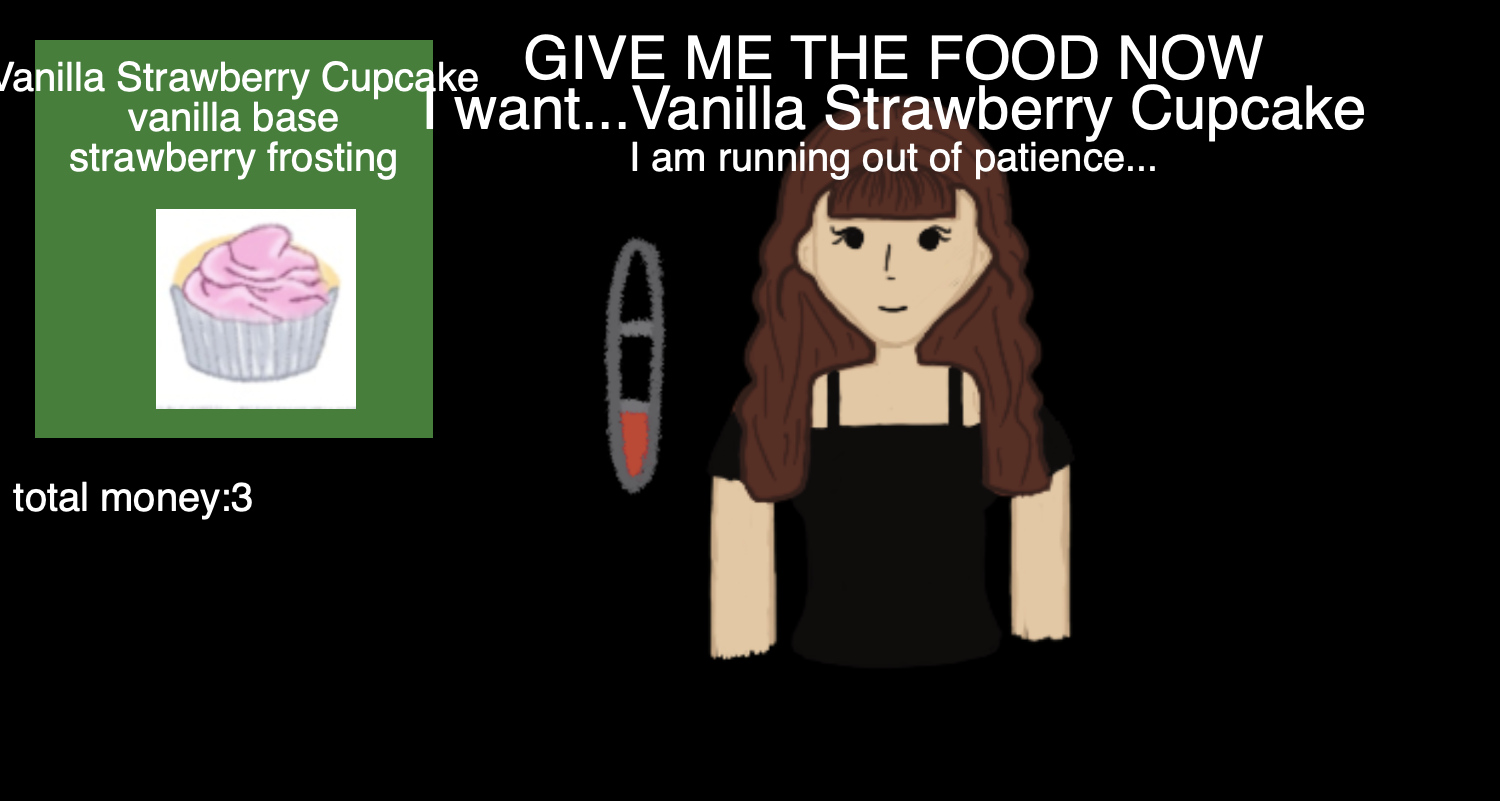
I designed and coded the customer patience bar to introduce urgency into the game.
Each customer arrives with an order and a limited amount of patience. As time passes, the bar decreases, encouraging the player to assemble and serve the item quickly.



The game becomes more difficult as the days progress because customers become less patient. This creates a simple difficulty curve without changing the fundamental interaction.
At the end of each day, the game displays a progress report before beginning the next cycle. The loop can continue indefinitely, allowing the player to improve their speed and accumulate coins over time.
06 — Reflection
Reflection and future development
Chef's Plaza succeeded as a functional food-assembly prototype, but its final scope was much smaller than our original idea.
The initial concept included several shops, baking mechanics, inventory management, and store customization. We reduced these features so the team could focus on completing one working dessert shop.
Playtesting also revealed that parts of the assembly process were not as intuitive as we expected. Some players assumed they needed to place a cupcake wrapper before adding the cake base because the wrapper appeared alongside the ingredients. We had included it as a decorative element but did not have enough time to build it into the recipe logic. Players also did not immediately understand that drinks needed to begin with a cup.
These moments showed that the visual design was communicating possible actions that the code did not actually support. Because we had not fully mapped each preparation process from the player's perspective, the game relied too much on assumptions and needed clearer instructions and visual cues.
A future version could improve the onboarding with:
- A short interactive tutorial for the first order
- Highlighted ingredients showing the next valid step
- Clearer distinctions between decorative and usable objects
- Visual examples of cupcake and drink assembly
- Feedback explaining why an order cannot yet be completed
- Baking states, inventory limits, and additional shops
The project taught me that even familiar activities, such as making a cupcake or pouring a drink, do not automatically translate into understandable game interactions. Every visible object creates an expectation, and the interface needs to match what players believe they can do.
While Chef's Plaza did not reach the scale we first imagined, it established a working gameplay loop and showed where more careful process mapping, instruction design, and user testing could make the experience feel clearer and more complete.